Timestamped Backups
Connect your Parqet account and ParqSafe reads a portfolio’s holdings and activities, then stores them as a timestamped snapshot. Every snapshot captures the portfolio exactly as it stood at that moment, ready to fall back on.

Snapshot and restore your Parqet portfolios
ParqSafe creates timestamped local backups of your Parqet portfolios and restores them into new ones — all on your own computer. Capture a snapshot before a big change, archive your history, or rebuild a portfolio’s structure in a fresh one. Your backups live in a local database on your machine: no server, no cloud storage, no third-party data processing. ParqSafe connects to Parqet only through Parqet’s official Connect API, with a secure sign-in you can revoke at any time.

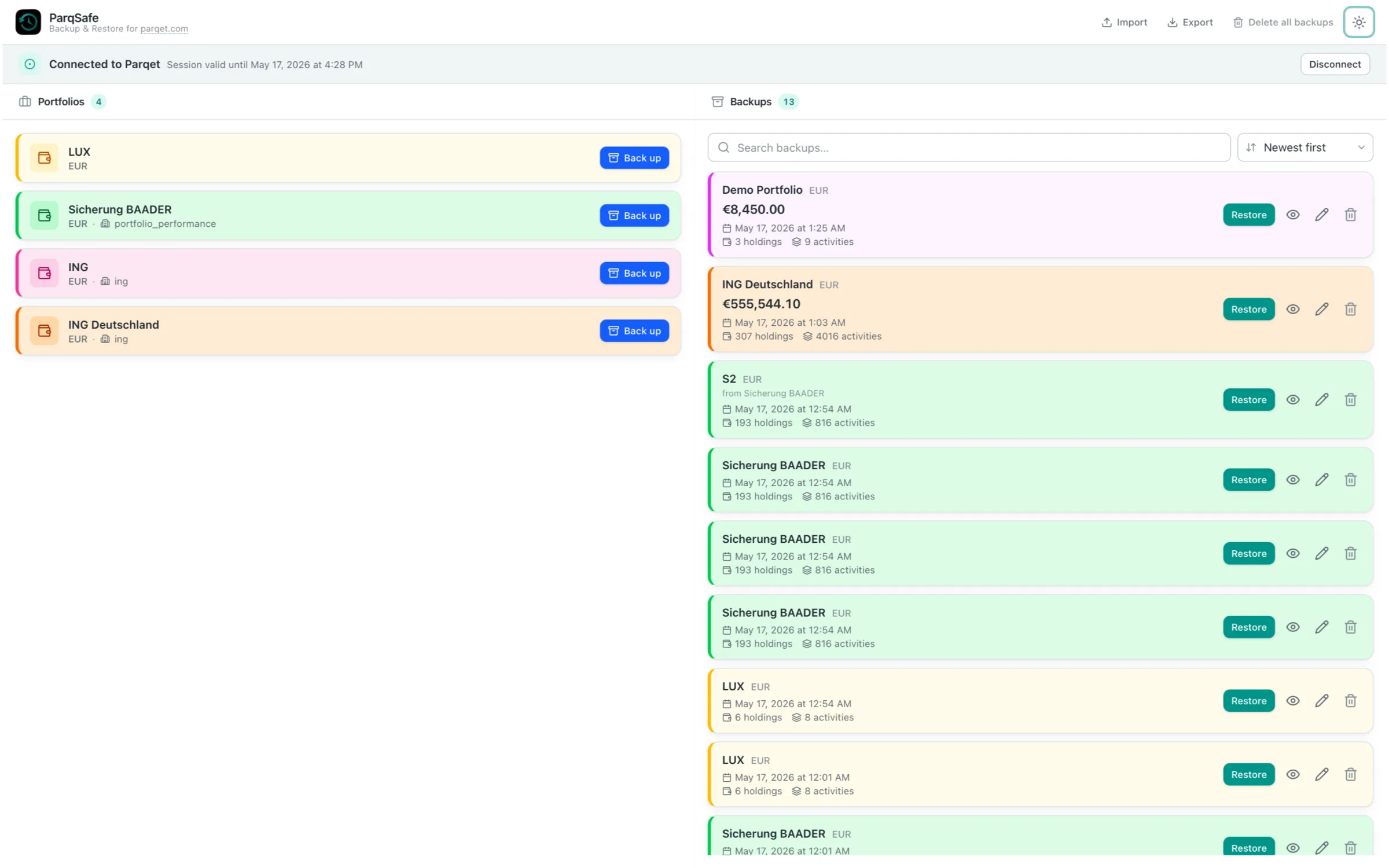
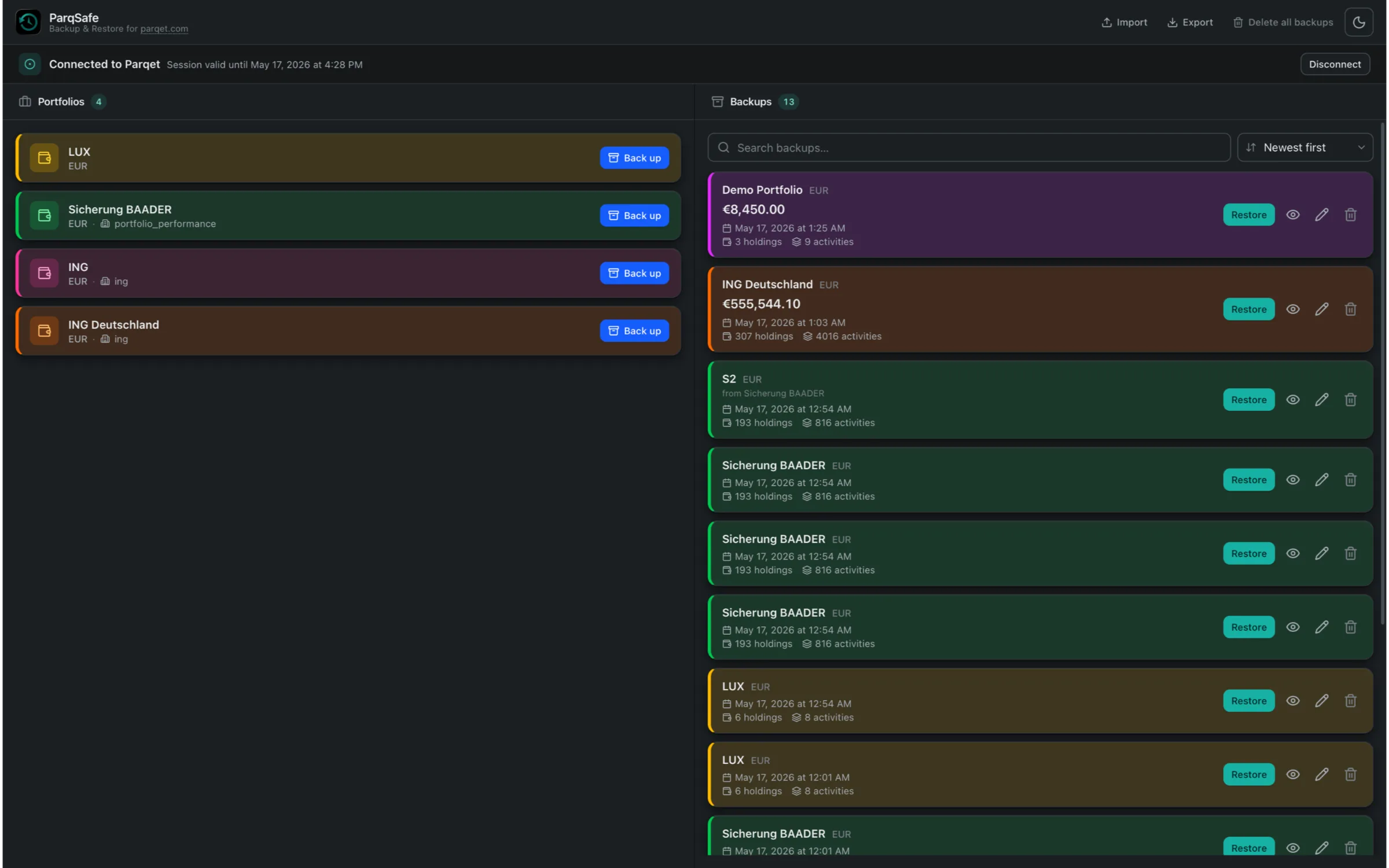
Connect your Parqet account and ParqSafe reads a portfolio’s holdings and activities, then stores them as a timestamped snapshot. Every snapshot captures the portfolio exactly as it stood at that moment, ready to fall back on.
Every backup you make is kept — nothing is overwritten and nothing expires. Whenever you need to, you can return to an earlier state of any portfolio, whether that snapshot is days or months old.
Pick any snapshot, give it a name, and ParqSafe recreates it as a brand-new Parqet portfolio. Your existing portfolios are never touched — a restore always builds a fresh portfolio, so the original stays exactly as it is.
Inspect a backup before you commit to it. ParqSafe shows the snapshot’s holdings and an activity summary, so you can confirm you picked the right one before anything is restored.
Moving to Parqet from Portfolio Performance? Point ParqSafe at your Portfolio Performance file and it reads every portfolio inside. Pick the ones you want, and each becomes a snapshot you can restore straight into Parqet — holdings, trades, dividends and cash history carried across.
Move backups between machines as a single file. Exports can be protected with a password and encrypted with AES-256, so your portfolio history travels safely from one computer to another.
Try backup and restore with a built-in sample portfolio — no Parqet account required. Demo mode is the easiest way to see exactly how ParqSafe works before you connect your own data.
Your backups live in a local database on your own computer. No server, no cloud storage, no third-party data processing. ParqSafe reaches Parqet only through Parqet’s official Connect API, with a secure sign-in you can revoke at any time.
ParqSafe creates timestamped local backups of your Parqet portfolios and restores them into new portfolios. A portfolio is months or years of carefully recorded transactions — ParqSafe is your safety net: capture a snapshot before a big change, archive your history, or rebuild a portfolio’s structure in a fresh one.
In a local database on your own computer. There is no server, no cloud storage, and no third-party data processing. Your portfolio history never leaves your machine unless you choose to export it.
No. ParqSafe connects to Parqet only through Parqet’s official Connect API. You sign in on Parqet’s own secure page, and ParqSafe never sees or stores your password. You can revoke its access at any time from your Parqet account.
No. A restore always creates a brand-new Parqet portfolio from the snapshot you picked — you give it its own name. Your original portfolios are never modified or replaced.
Yes. ParqSafe can export your backups as a single file and import them on another machine. Exports can be protected with a password and encrypted with AES-256, so your history travels safely.
Yes. ParqSafe can read a Portfolio Performance file, show you every portfolio inside it, and turn the ones you choose into snapshots. From there you restore each one into Parqet — the simplest way to move your Portfolio Performance history over. The file is read locally on your own computer and never leaves it.
Yes. Demo mode comes with a built-in sample portfolio so you can try backing up and restoring without signing in. It is the easiest way to see how ParqSafe works before connecting your own data.
Yes. ParqSafe is built for both macOS and Windows. The macOS version is on the Mac App Store and the Windows version is on the Microsoft Store.
No. ParqSafe is an independent tool. It is not affiliated with, endorsed by, or operated on behalf of Parqet, and it works only with portfolio data you already own.
Snapshot and restore your Parqet portfolios
For the latest features and detailed information, please visit the app on its store page.
ParqSafe is an independent tool and is not affiliated with, endorsed by, or operated on behalf of Parqet. It connects to Parqet through the official Connect API and works only with portfolio data you already own. ParqSafe does not provide investment, financial, tax, or legal advice.